
Magic Red Mobile Casino: Browser Play on iPhone and Android
 Available in GB
Magic Red’s current service works in modern mobile browsers without requiring a download. On both iPhone and Android: open magicred.io in a current browser, sign in, and use the responsive casino site rather than assuming a native app is necessary.
Native-app claims are inconsistent across third-party sources, while the browser route is directly available through magicred.io. Browser play is therefore the dependable option without making a claim about whether an official iOS or Android app currently exists.
How Magic Red works on mobile browsers
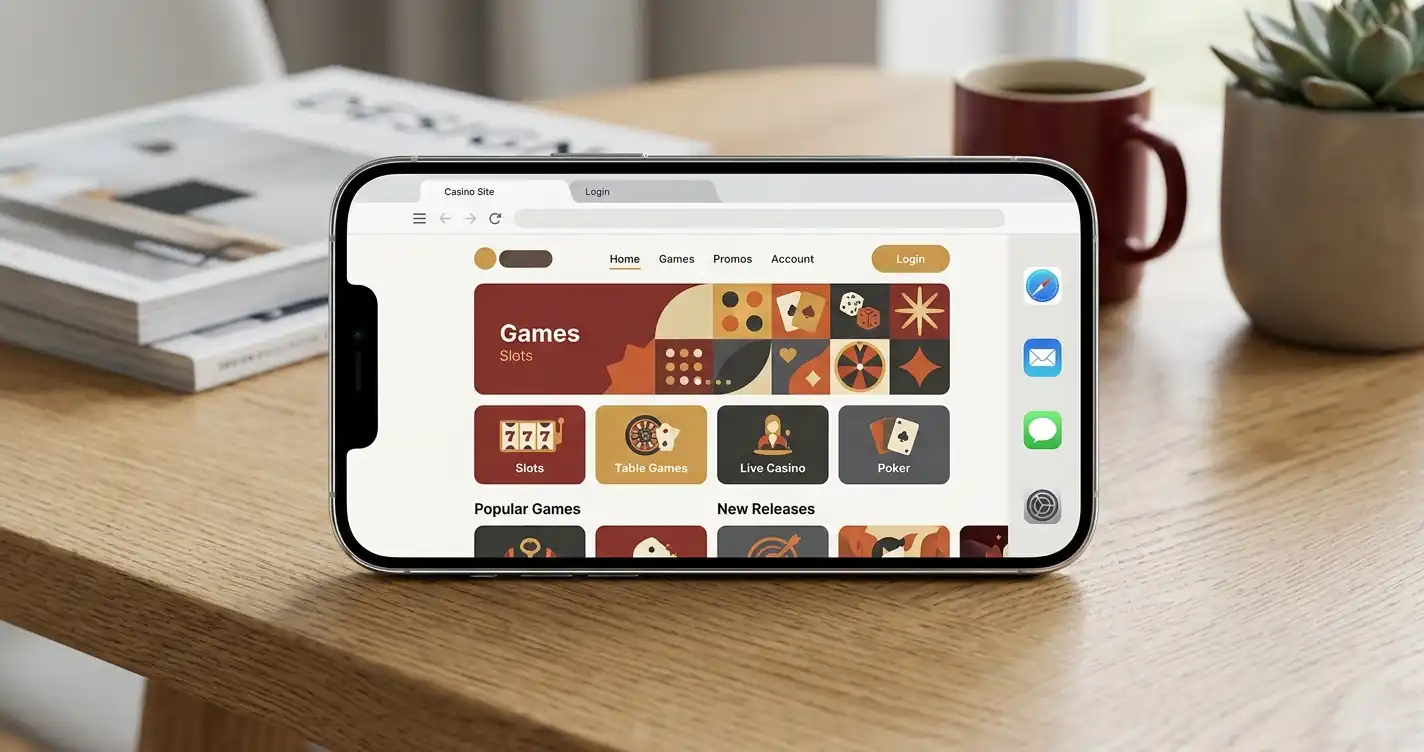
Magic Red says its full service runs in modern browsers on phone, tablet and desktop with nothing to download. In practical terms, the browser is the application layer: the casino lobby, account access and core navigation are delivered through the website rather than depending on a separate installed package.
For an iPhone, open Safari or another current browser and enter magicred.io directly. On Android, the same principle applies in Chrome or another modern browser. Using the current domain matters more than searching for a downloadable file, because the mobile page follows the same account identity as the desktop service.
The current site is responsive, so content rearranges for a smaller viewport. Game thumbnails, filters and account navigation are designed to work within a narrow screen rather than forcing a desktop-width layout. A stable connection still matters, especially for streamed live-dealer games, because responsive design cannot compensate for weak mobile data.
You can save the site as a bookmark or, where your browser supports it, add a shortcut to the home screen. That creates app-like access without changing the fact that the content is running in the browser. It also avoids installing an APK or unrelated store app based only on a matching name.
If you are setting up access for the first time, the Magic Red account guide covers signup, login and verification in more detail.
A browser-first setup also means that the address bar remains part of the security check. When returning from a bookmark or home-screen shortcut, confirm that the session still opens magicred.io before entering credentials or payment information. That habit is more useful than relying on an icon alone, because a shortcut can look app-like while still being only a saved web address. Keep the browser updated and avoid leaving an authenticated session open on a shared phone.
iPhone and Android: browser versus native app
“Mobile casino” and “casino app” are not interchangeable terms. A mobile casino can simply be a responsive website that works on a phone. A native app is a separately installed package distributed through an app store or another download channel and maintained as software for a particular operating system.
Browser play is directly available through the current Magic Red site. Third-party claims about a native app conflict, so browser access is the clearer route for iPhone and Android users.
That uncertainty is a reason to avoid download instructions from review pages. If Magic Red later publishes a native app, the safest route is an app-store link exposed by the current official domain or a clearly identified official developer listing. Until then, opening the current site in the browser avoids relying on a third-party APK or a lookalike listing.
A similarly named mobile product from an unrelated developer should not be treated as the magicred.io casino service. Brand-name matching alone is not enough to establish an official app.
For most users, the practical difference is smaller than it sounds. Browser play can still provide a full-screen lobby, saved login through the browser, access to games and account tools, and a home-screen shortcut. The main distinction is that updates happen on the website rather than through an app-store update cycle.
Games and live casino on a smaller screen
Magic Red carries slots, live casino, table games and crash games in its current lobby, so mobile access is available across the wider selection categories. The site exposes the same broad product families through its browser interface.
Slots are usually the easiest category to use on a small display because the game canvas is designed around touch input. Live casino places more pressure on the screen: the video feed, betting controls, table information and chat or statistics may compete for space. Rotating the phone to landscape can help where the game supports it, but the exact layout comes from the game provider rather than from Magic Red alone.
Mobile data quality matters most for live streams. A slot can often tolerate a short delay while assets load, whereas a live table depends on continuous video and real-time betting windows. On a weak connection, switching to stable Wi-Fi is more useful than repeatedly reloading the casino lobby.
Magic Red’s current lobby also has a large provider catalogue, which means browsing can involve many thumbnails and filters. On a phone, search and category filters reduce scrolling. If you already know the provider or game type you want, use those controls rather than moving through the full catalogue manually.
For the broader catalogue structure, see the game library. It covers the current game categories and the wider catalogue structure.
For longer mobile sessions, use the lobby filters to reduce how much content needs to be scanned on a narrow display. Slots, live casino and other categories can be reached directly, while provider or search filters narrow the result further. This is especially useful in a catalogue with many thumbnails, because it keeps the interaction focused on the format you intended to open rather than on whatever happens to be promoted first on the page.
Live tables deserve an extra connection check before money is committed. A streamed game depends on continuous video and timed betting controls, so an unstable mobile connection can be more disruptive there than in ordinary lobby browsing. If the stream or controls are lagging, switching to a stable network before placing the next bet is a safer practical response than repeatedly refreshing an active table.
Payments, account tools and support on mobile
Magic Red publishes payment options including Visa, Mastercard, Apple Pay, Google Pay, Skrill, NETELLER, paysafecard, MiFINITY, eZeeWallet, JCB and bank transfer. Those are current site-level methods, but the actual cashier options visible to one account can depend on country, payment route and account context.
Using a phone does not change the underlying payment rules. A mobile wallet button can make the interface more convenient, but deposits and withdrawals still follow the cashier terms. Before moving money, check the live cashier rather than assuming that every public method is available in both directions for your account.
Account controls are also part of the mobile experience. Magic Red publishes deposit limits, loss limits, session reminders, time-outs and self-exclusion. These settings are useful on a phone because mobile access can make sessions easy to start in short bursts throughout the day. Setting limits in advance creates a clearer boundary than relying on memory.
For help, Magic Red currently publishes live chat and [email protected]. A phone makes chat convenient, but do not paste passwords, full card numbers or unnecessary identity data into a support conversation. If the operator asks for verification evidence, use the account’s intended secure submission flow.
For deposit methods, withdrawal minimums and timing, use the payments guide rather than assuming that a mobile device changes the financial terms.
What to check before saving Magic Red to your home screen
First verify the domain. The current service is magicred.io. A home-screen shortcut is only useful if it points to the right site, so create it while you are already on the official current domain rather than from a copied third-party URL.
Second, distinguish a browser shortcut from an installed native app. A shortcut may look like an app icon, but it still opens the website. That matches the browser-first access available through the current site.
Third, be cautious with similarly named store listings and APK files. The existence of an app called “Magic Red Casino” does not prove a relationship with magicred.io. Check the developer identity and look for an official link from the casino before installing anything that will handle account credentials or financial information.
Fourth, use device-level security. Screen lock, biometric access, current browser updates and private notification settings reduce the chance of exposing an account when a phone is lost, borrowed or viewed by someone else.
Finally, remember that a home-screen icon does not make the service available offline. Casino games, balance information, payments and live tables depend on a network connection. If the page behaves unpredictably on mobile data, wait for a stable connection rather than repeating deposits or withdrawal actions.
When browser play is enough for Magic Red on mobile
For the current Magic Red service, browser play is the clearest mobile option. It works on modern phones without a required download, keeps the same account across devices and provides access to the casino’s main game categories and account features through magicred.io.
Native-app availability is less clear because external sources disagree. The browser route avoids relying on an APK guide or a similarly named app.
If your priority is quick access, save the official site as a bookmark or home-screen shortcut, keep the browser updated and use the same account controls you would on desktop. If you need registration or KYC details, continue to the account guide; for the wider product picture, return to the full review.
A home-screen shortcut is useful when you want app-like access without installing separate software. It opens the same browser-based service, so account credentials, game access and account tools remain tied to the website rather than to a second mobile product. That also makes the domain easier to check before signing in, which is important for a brand with older magicred.com references still visible online.
For longer sessions, browser housekeeping matters more than the phone brand. Keep the browser current, avoid saving credentials on a shared device, and use a stable connection when opening the cashier or submitting account information. Those are general mobile-security habits rather than special Magic Red features, but they are practical when one browser session can include login, payments and verification steps.
The browser route remains the simplest baseline because it is directly tied to the current official domain.
Published by the Magic red Casino team.